
Description
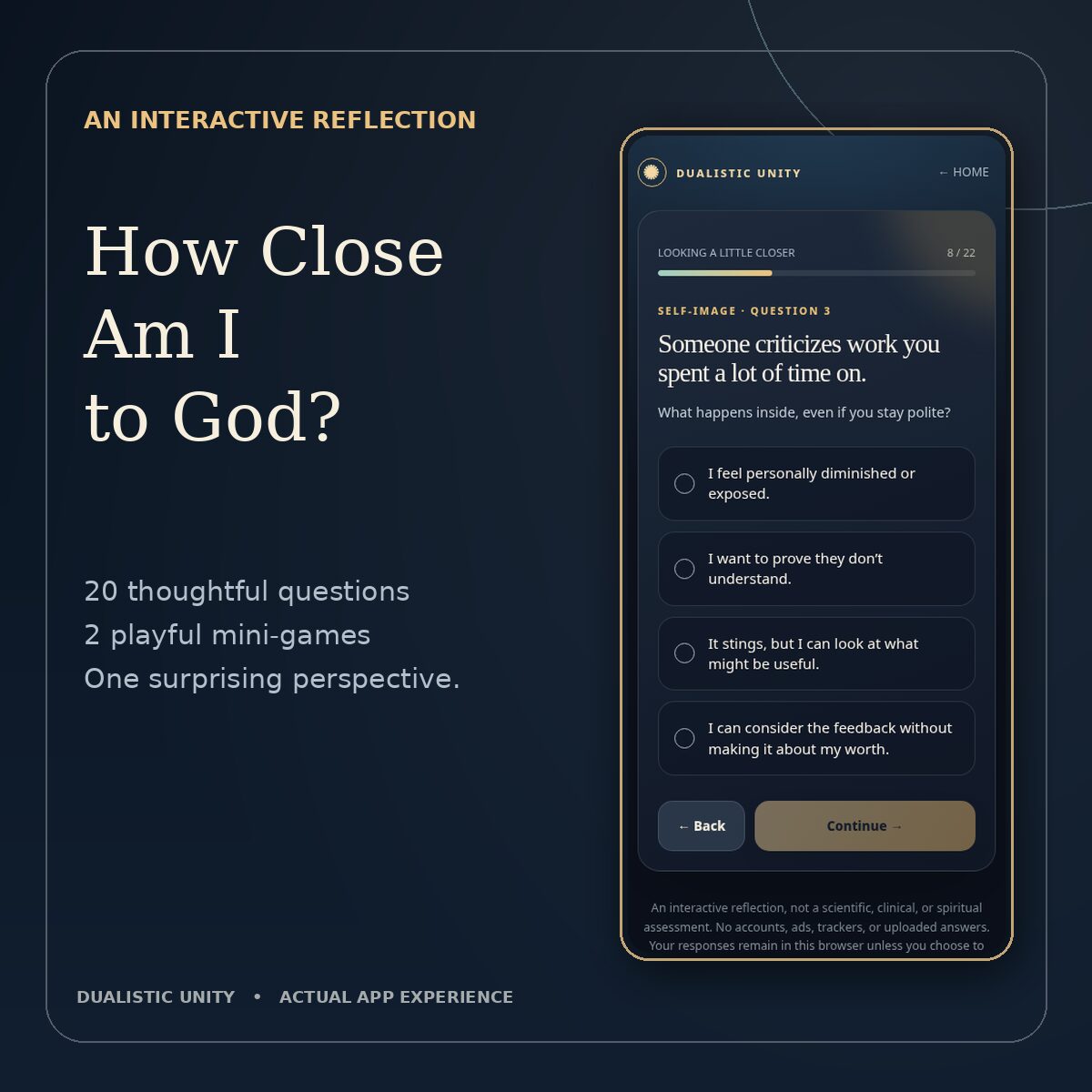
How close are you to God? What if that is the wrong question?
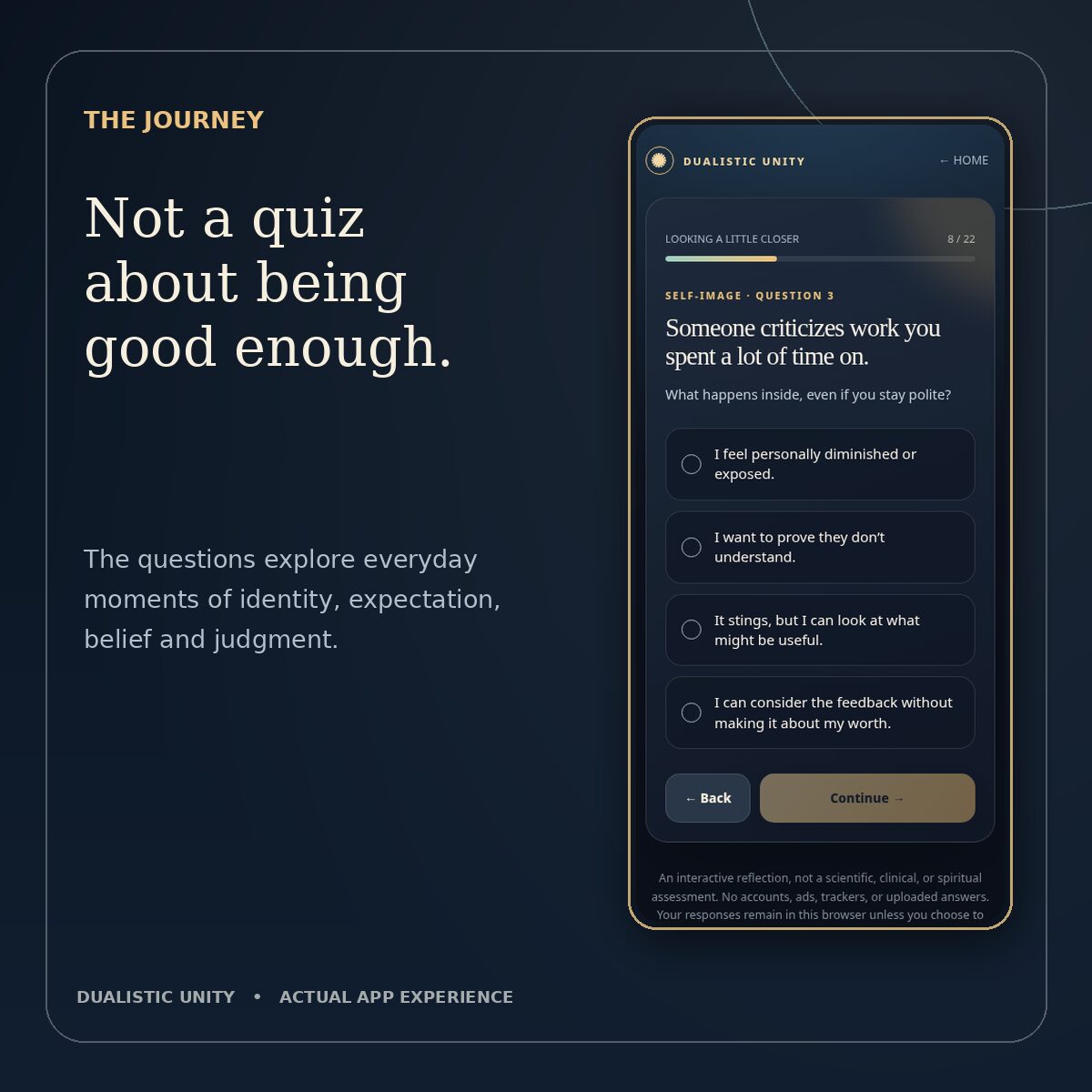
Start with five simple questions about God and what you believe. Then step into fifteen familiar moments that ask how you react when life challenges your expectations, your identity, or your ideas about others.
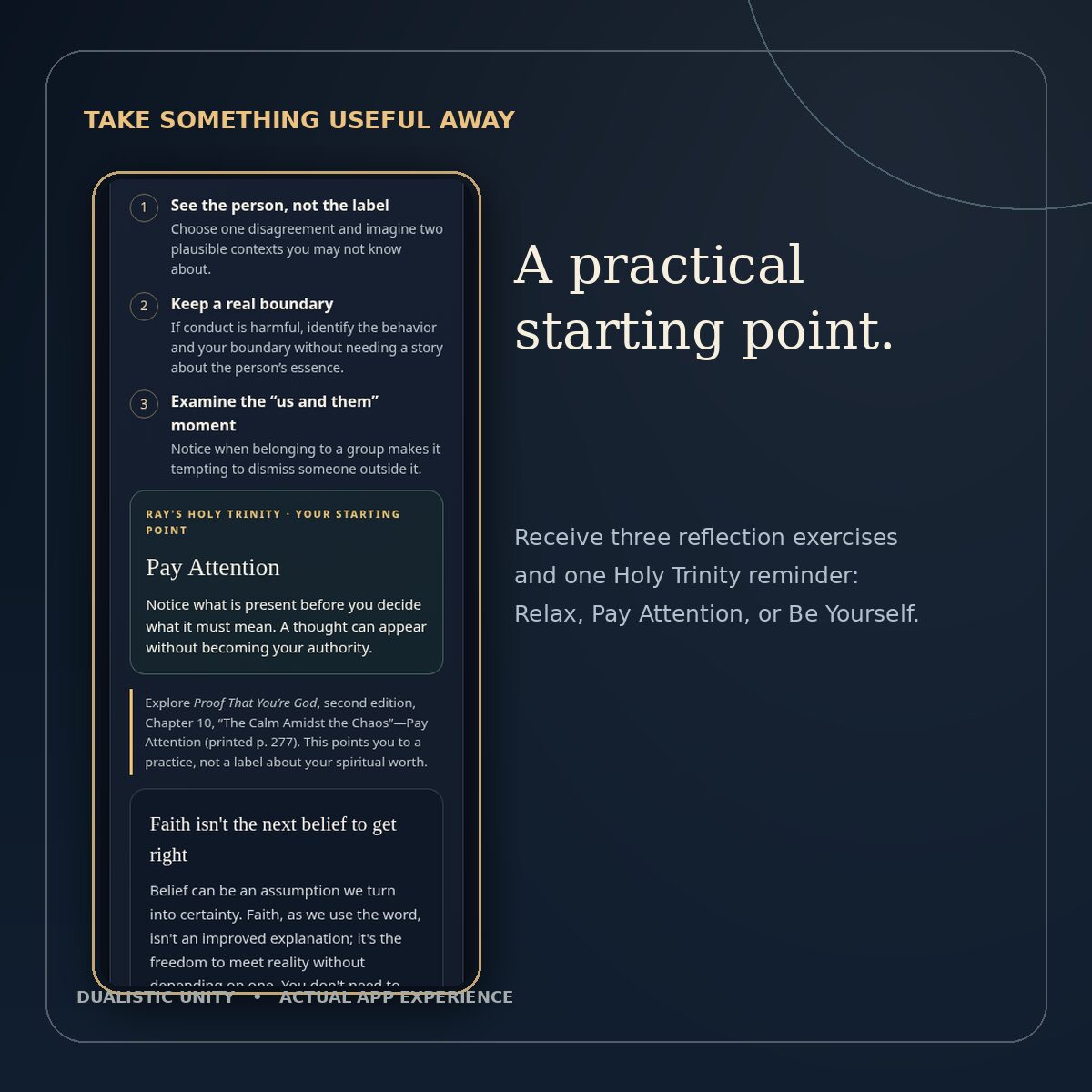
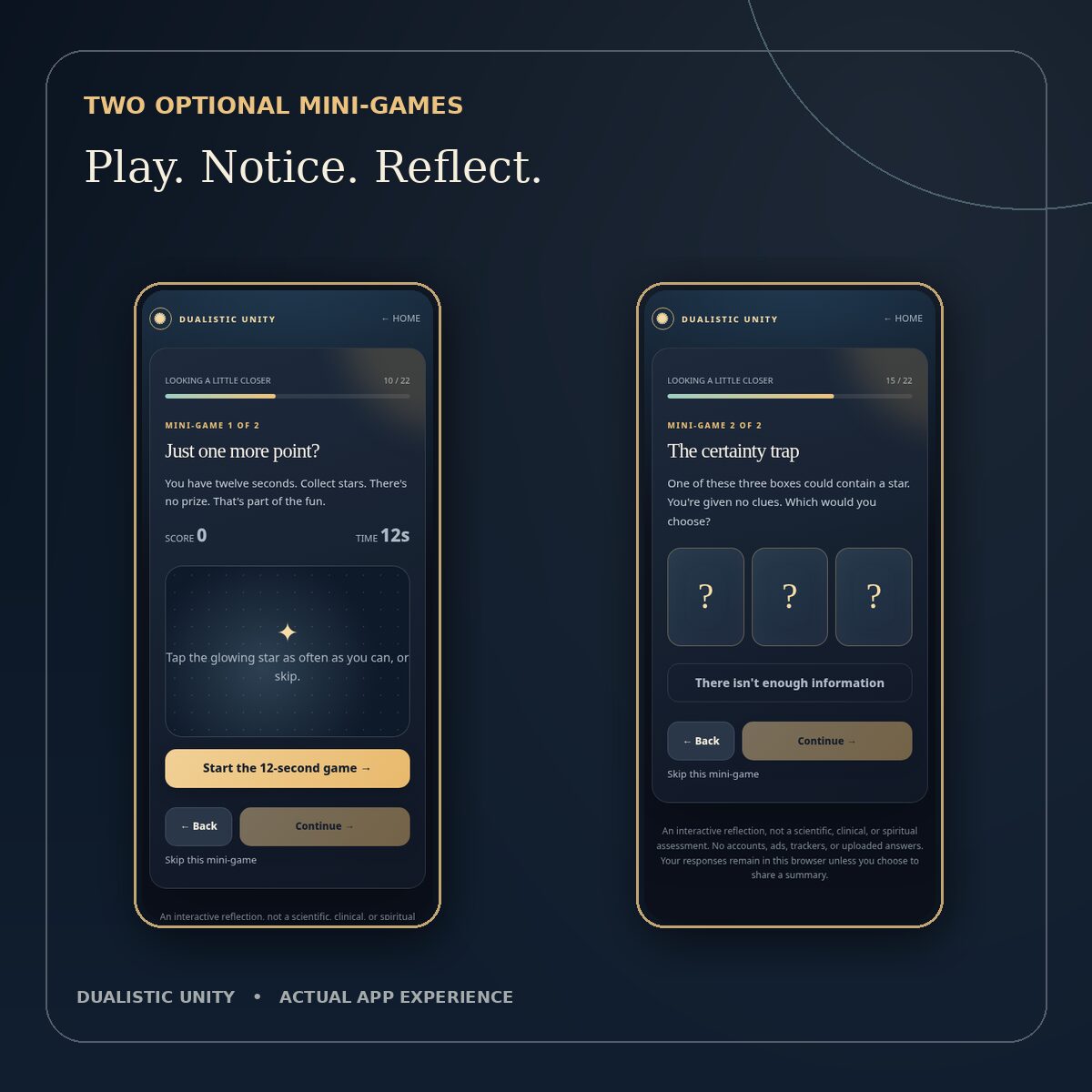
Along the way, try two optional mini-games about winning and needing to know. End with personalized reflections and a practical starting point from Relax, Pay Attention, or Be Yourself.
Inside the experience
- 20 tap-first questions and two optional mini-games
- Five readings about certainty, control, self-image, judgment, and avoidance
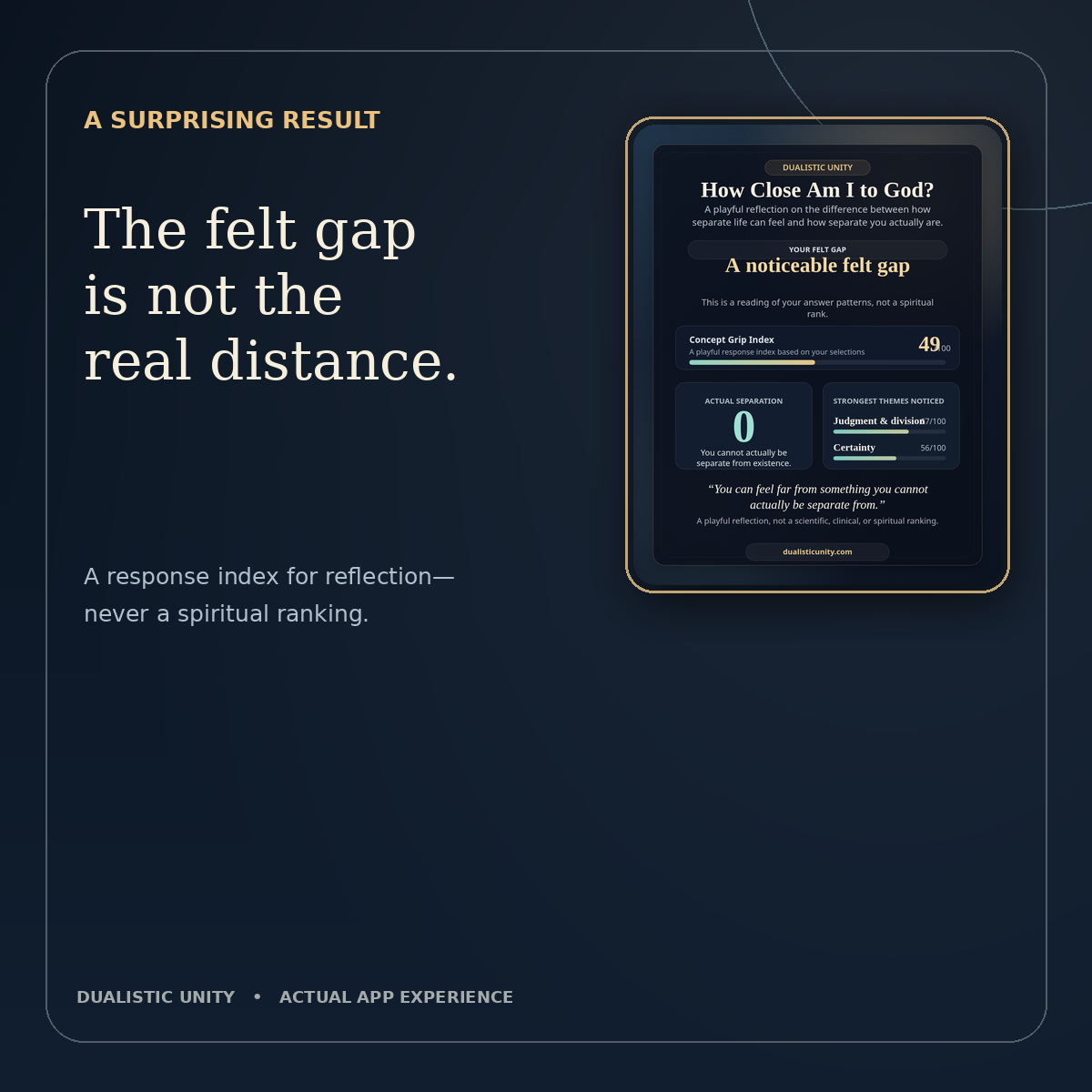
- A playful Concept Grip Index and three reflection exercises
- A 1080 × 1350 result card you can preview, save, and share with a link to the app
- A photographic detail of Michelangelo’s The Creation of Adam
Christian, atheist, agnostic, spiritual, or unsure, your beliefs do not affect your index. “Actual separation: zero” expresses Dualistic Unity’s philosophical perspective.
How it works
After checkout, unzip the download and open the included HTML file in a compatible browser. The app and artwork work offline. Internet access is needed for external links. Your responses stay in your browser where local storage is available.
Version 1.0. US$1.49 one-time purchase.
Included with Patreon Tier 2 and Tier 3
Join Dualistic Unity on Patreon at Tier 2 (Inside the Work) or Tier 3 (Steward of the Work) and get this app at no extra charge. See membership options. Already a member? Open the members-only post for redemption instructions.
How do I open the game on my device?
Download the ZIP from your order email. Extract it first, then open How_Close_Am_I_to_God_v1_0.html from the extracted folder.
- Android: Open Files or My Files, find the ZIP, and tap Extract. Open the extracted HTML in a compatible browser. On supported Samsung phones, press and hold the HTML file in My Files and choose More → Add to Home screen if offered. Keep the file in the same folder.
- iPhone or iPad: In Files, tap the ZIP to extract it, then open the HTML in the new folder. Some file previews show the page without running the game. Interactive offline play on iPhone and iPad has not been verified. To find the folder quickly, press and hold it, tap Favorite, then look under Files → Browse → Favorites.
- Windows PC: Right-click the ZIP and choose Extract All. Open the extracted folder and double-click the HTML file. Chrome is a verified desktop option.




Reviews
There are no reviews yet.